
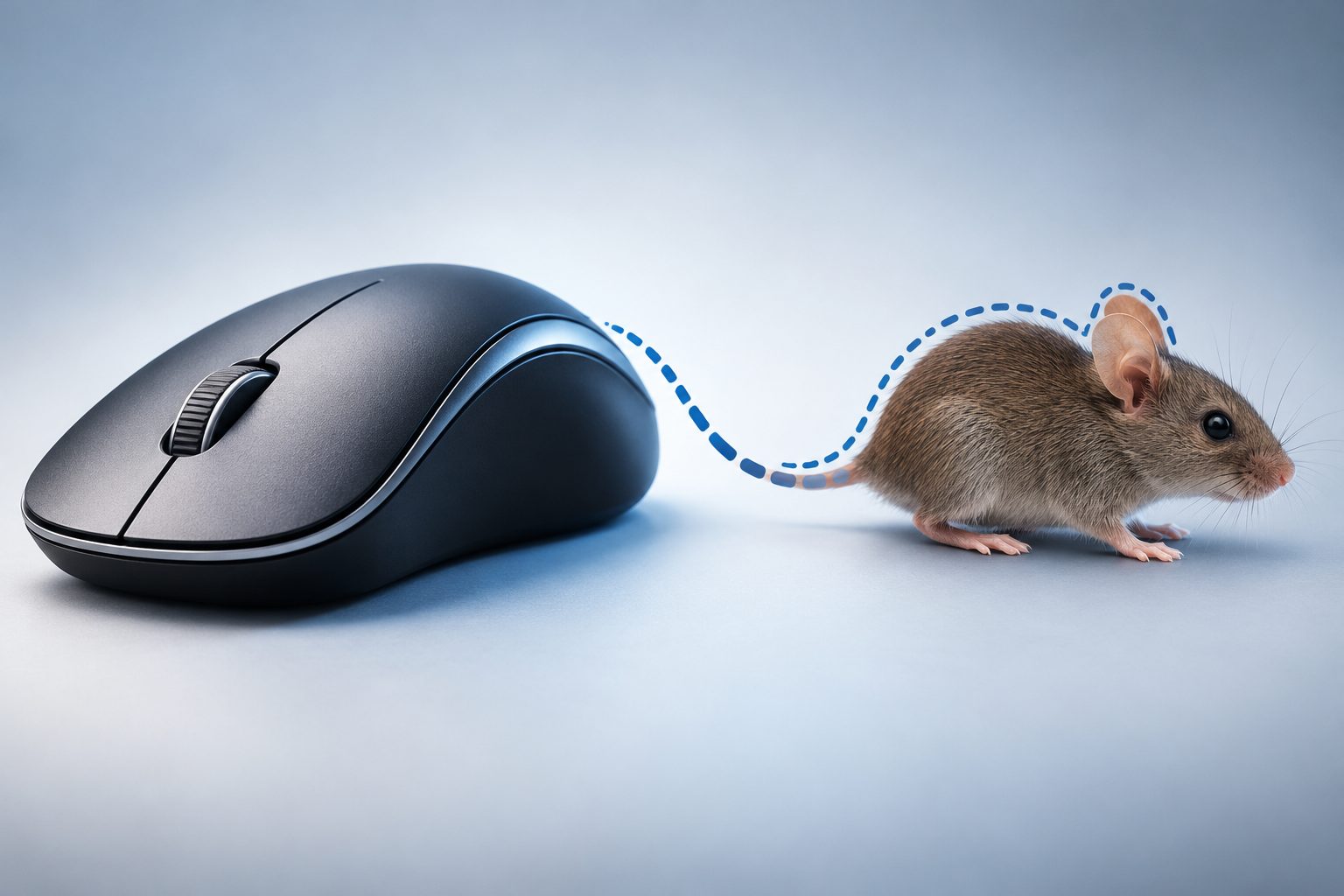
Have you ever stopped in the middle of work and wondered why is a computer mouse called a mouse. The small device sits beside your keyboard every day, yet its name sounds more like a furry animal than a piece of technology. The answer is simple, charming, and deeply tied to computer history. In this guide, you will learn the true origin story, what the inventor said, how the design inspired the name, and why the term stuck so firmly. We will also clear up myths, share practical examples, and answer common questions about this everyday tool.
The story begins in the 1960s at Stanford Research Institute, where researchers were building new ways for people to interact with computers. Before touchpads and touchscreens, controlling a screen cursor was awkward and slow. The wooden prototype with a cord looked surprisingly like a small rodent, and the nickname caught on fast. Keep reading to discover the full history and meaning behind it.
Origin Story Behind The Computer Mouse Name
The name of the computer mouse came from its appearance and not from a formal naming process. Early researchers needed a simple word for their new pointing device, and the animal comparison felt natural and memorable.
1. Invention At Stanford Research Institute
The first computer mouse was developed in the early 1960s by Douglas Engelbart and his team at Stanford Research Institute. They were exploring ways to make computers more interactive and easier to control with on-screen cursors. The wooden prototype had two metal wheels underneath and a long cord extending from the back, which created an unmistakable resemblance to a small animal with a tail.
2. First Appearance Of The Mouse Term
The word mouse first appeared in print in a 1965 publication describing Engelbart’s pointing device research. The team had already been using the nickname informally in the lab because the cord looked like a tail. When the report was published, the term became official in academic circles. The casual name helped readers instantly picture the device without needing a technical diagram or long explanation.
3. Role Of Douglas Engelbart In Naming
Douglas Engelbart later admitted that no one remembers exactly who first said the word mouse in the lab. He explained that it simply caught on because everyone thought the device looked like a mouse with its cord trailing behind. He never tried to trademark a fancy name or change it later. His relaxed attitude allowed the playful nickname to become the permanent technical term used worldwide.
4. Why The Informal Name Became Permanent
Informal names often disappear once products reach the market, but this nickname survived because it was short, visual, and easy to remember. Engineers, journalists, and later computer companies all adopted it without resistance. Alternative names like bug or pointer were suggested, yet none felt as friendly or descriptive. The simplicity of the word helped it spread quickly through research papers, demonstrations, and product manuals.
5. Public Demonstration That Spread The Name
In 1968, Engelbart gave a famous live demonstration now known as the Mother of All Demos, where he showed the mouse controlling text on a screen. Thousands of engineers and researchers saw the device in action through reports and recordings. The name traveled with the demonstration and entered mainstream computer vocabulary. That single event helped cement both the device and its unusual animal name in technology history.
6. Adoption By Early Computer Companies
Companies like Xerox PARC and later Apple adopted the term mouse directly when they refined the device for commercial computers. They kept the name in user guides because customers already recognized it from magazines and research coverage. Marketing teams realized a friendly animal name made new technology feel less intimidating. This business decision ensured the original lab nickname became a global standard.
How Early Computer Mouse Design Inspired The Name
The physical shape, size, and cord of the early prototype made the animal comparison almost unavoidable. Once you see the original wooden block, the reason for the name becomes clear.
1. Small Rounded Body Shape
The original mouse had a small carved wooden body that fit comfortably under one hand, just like cupping a little animal. Its rounded edges and compact size made it feel alive when it moved across the desk. Users pushed it around smoothly, and the cursor followed on the screen. That lifelike movement strengthened the feeling that they were guiding a tiny creature rather than operating cold machinery.
2. Long Cord Resembling A Tail
The cable extending from the back of the device was the strongest visual clue behind the name. In early models, the cord came out from the rear end, exactly where a real mouse tail would be. When the device moved, the cord trailed and curled behind it on the desk. Observers immediately joked about the tail, and the image was so clear that no other name seemed fitting.
3. Quick Darting Movement Style
A real mouse moves in quick, darting motions, and so did the on-screen pointer controlled by the device. Small hand movements produced fast cursor motion across the display, creating a sense of scurrying. Researchers noticed this playful similarity during testing and mentioned it in conversations. The behavior of the pointer, not just the hardware shape, helped reinforce the animal metaphor in everyday lab talk.
4. Eyes And Buttons Comparison
Later models with two or three buttons on top reminded people of eyes or ears on a small head. Users placed their fingers where the eyes might be, which added to the character-like feel. Some early sketches even showed the device with cartoon eyes for fun. While the buttons were purely functional, their placement made the animal comparison stronger and gave writers an easy way to describe the layout.
5. Wooden Prototype Appearance
The first prototype was a plain polished wooden box with a single button and exposed wheels underneath. It was much larger and boxier than modern devices, yet still small enough to suggest a resting rodent. Photographs of Engelbart holding it show how naturally it fit in the palm. That humble handmade look made the high-tech invention feel approachable, and the cute nickname matched its simple crafted appearance perfectly.
6. Contrast With Modern Wireless Shapes
Today’s wireless and ergonomic models no longer have a visible tail, yet the mouse name remains unchanged. Modern designs are sleek, flat, or sculpted for comfort, but they still share the same basic idea of a palm-sized body that glides. The persistence of the name shows how powerful the original visual impression was. Even without a cord, people still instantly connect the shape and function to the historic nickname.
What Inventors Said About The Computer Mouse Name
Douglas Engelbart often laughed when asked about the name, saying it was never a deliberate branding choice. He described it as a casual lab nickname that everyone started using because it fit.
He admitted that the team never held a meeting to choose a proper technical term. Researchers were focused on function, not marketing, so they kept calling it a mouse in notes and conversations. The informality helped creativity flourish without pressure to sound serious.
Other team members later confirmed that alternative names were briefly considered but never gained support. Words like indicator and pointer felt too cold and generic for such an interactive tool. The animal name added personality to the invention during long hours of testing.
When journalists asked Engelbart if he regretted the playful name, he said he was surprised it lasted. He thought a more formal term would eventually replace it once computers became mainstream. Instead, manufacturers embraced the friendly image because it made computers feel less intimidating to first-time buyers.
The lasting lesson from the inventors is that simple, visual language often wins over technical jargon. A name that helps people picture and remember a product will spread faster than a precise but boring label. That practical insight still applies to naming modern gadgets and software features today.
Evolution Of The Computer Mouse Shape And Style
The computer mouse has changed dramatically from a wooden box to a precise optical tool. Each stage of evolution kept the original name while improving comfort and performance.
1. Wooden Block Prototype Era
The earliest version was a hand-carved wooden block with two perpendicular wheels that tracked horizontal and vertical motion. It had only one button and required a large flat surface to work reliably. Despite its roughness, it proved that hand-controlled cursor movement was faster than keyboard commands. This proof of concept opened the door for all future pointing devices and established the basic interaction model.
2. Ball Based Mechanical Design
The next major step replaced wheels with a heavy rubber ball that rolled as the user moved the device. Sensors inside translated ball rotation into cursor motion, which felt smoother and more accurate. This design became standard in offices during the 1980s and 1990s. Users became familiar with cleaning the ball and rollers, a routine that defined computer maintenance for an entire generation of workers.
3. Optical Sensor Revolution
Optical models eliminated the ball and used a tiny light and camera to track surface patterns thousands of times per second. This change removed cleaning problems and allowed the device to work on many more surfaces. Accuracy improved greatly for design, gaming, and detailed office work. The shift to light-based tracking marked the moment when the device became truly low maintenance and highly reliable.
4. Wireless Freedom And Ergonomics
Wireless technology removed the famous tail, using radio signals and Bluetooth to connect to computers instead. Designers also introduced ergonomic shapes that support the wrist and reduce strain during long sessions. Vertical models, trackballs, and compact travel versions gave users more choice. Even without a cord, the core idea of a hand-guided pointer remained exactly the same as in the original invention.
5. Gaming And Precision Models
Gaming versions added adjustable sensitivity, extra buttons, and lightweight frames for fast competitive play. Professional designers adopted high-resolution sensors for photo editing and three-dimensional modeling. These specialized tools show how far the basic concept has stretched while keeping the same friendly name. Performance improvements never required a new term because the fundamental purpose stayed consistent across all user groups.
6. Touch And Gesture Alternatives
Touchpads, touchscreens, and gesture controllers now compete with the traditional mouse, yet they have not replaced it completely. Many professionals still prefer the precision and comfort of a separate handheld pointer for long tasks. The mouse name continues to represent direct, intuitive control even as new interfaces appear. Its longevity proves that good interaction ideas outlast specific hardware forms and fashion trends.
Key Benefits Of The Simple Mouse Name
A short, visual product name can shape how quickly people learn and adopt new technology. The mouse name offered clear advantages that helped personal computing grow.
- Easy To Remember: A common animal word is easier to recall than a technical term like X-Y position indicator.
- Visual And Descriptive: The name instantly paints a picture of size, shape, and cord placement for new users.
- Friendly And Approachable: A cute animal name made intimidating computers feel welcoming to families and offices.
- Universal Across Languages: The simple concept translates well, and many languages adopted the English word directly.
- Marketing Advantage: Advertisers could use playful imagery to explain computer control without complex diagrams.
- Long Term Consistency: One stable name avoided confusion as designs changed from mechanical to optical to wireless.
How The Computer Mouse Works In Daily Use
Understanding basic operation helps explain why the original metaphor felt so natural. The device translates simple hand motion into precise screen action.
- Place Your Hand Comfortably: Rest your palm lightly over the body with fingers on the buttons and thumb on the side for steady control.
- Move To Guide The Cursor: Slide the device across a flat surface and watch the on-screen pointer mirror your hand movement in real time.
- Left Click To Select: Press the left button once to select files, place text cursors, or activate buttons and menu items.
- Double Click To Open: Quickly press the left button twice to open folders, launch programs, or highlight words in documents.
- Right Click For Options: Press the right button to reveal context menus with useful shortcuts for the item under your pointer.
- Scroll Through Content: Roll the middle wheel up or down to move through web pages, spreadsheets, and long documents smoothly.
- Drag And Drop Items: Hold the left button while moving to drag files, resize windows, or paint selections across text and images.
- Adjust Settings For Comfort: Change pointer speed and button functions in system settings to match your hand size and work style.
Common Myths About Why A Computer Mouse Is Called A Mouse
Many fun stories circulate about the name, but not all of them are true. Clearing up these myths helps readers appreciate the real history.
1. Myth That It Is An Acronym For Technology
Some people claim that mouse stands for Manually Operated User Selection Equipment or similar phrases. This is a false backronym created long after the device was named. No early documents use such an acronym, and Engelbart never described it that way. The story likely started as a joke or classroom memory aid. Real evidence shows the name came purely from visual resemblance and casual lab humor.
2. Myth That Microsoft Invented The Name
Another common mistake is crediting Microsoft or Apple with inventing the mouse and its name. In reality, the device and nickname existed more than a decade before those companies sold their first models. Xerox PARC refined the design, and Apple popularized it, but they inherited the term. Recognizing the earlier Stanford work gives proper credit to the original researchers who created both the tool and the language.
3. Myth That The Plural Is Mouses In Tech
People often argue about whether the plural should be mouses or mice for computer devices. Style guides and dictionaries accept mice as the standard plural, just like the animal. Some engineers jokingly say mouses to sound technical, but major manufacturers use mice in manuals. The shared plural actually reinforces the connection between the animal and the device rather than separating them into different categories.
4. Myth That Wireless Models Changed The Name
When wireless models removed the cord tail, some predicted the name would change to puck or pointer. That never happened because the term was already deeply established in language and training materials. Users still picture the classic shape even without a cable. The survival of the name after losing its tail proves that cultural habit can be stronger than literal visual accuracy over time.
5. Myth That It Was Named After Mickey Mouse
A playful rumor suggests the device was named after the cartoon character Mickey Mouse. There is no evidence linking Disney to the Stanford lab or to Engelbart’s team. The comparison was to a real rodent shape, not a cartoon personality. While the cartoon reference makes a good story for children, historians confirm it played no role in the naming decision or early documentation.
6. Myth That All Pointing Devices Are Mice
Beginners sometimes call trackballs, touchpads, and joysticks a mouse because they perform similar functions. Technically, only the handheld sliding device earns that specific name based on its history and form. Other tools have their own names and design stories. Using precise terms helps when buying accessories, reading support guides, or explaining problems to technical support teams online.
Best Practices For Explaining The Computer Mouse Story
Whether you are a teacher, writer, or tech enthusiast, sharing the history clearly makes it more memorable. These tips help you tell the story accurately.
1. Start With The Visual Comparison
Begin your explanation by describing the early wooden device with its cord trailing like a tail. This vivid image instantly answers the core question without needing background knowledge. Show a photo of the original prototype if possible, and point out the size and cable placement. A strong visual hook keeps listeners interested and makes the rest of the historical details much easier to follow and remember.
2. Mention Douglas Engelbart By Name
Always credit Douglas Engelbart and his Stanford Research Institute team when telling the story. Naming the inventor adds authority and helps readers research further with confidence. Explain that his group was solving real interaction problems, not just inventing gadgets. Giving proper credit respects innovation history and prevents the spread of myths that attribute the work to later commercial companies.
3. Use Simple Language For Beginners
Avoid heavy engineering terms when explaining the idea to children or non-technical audiences. Focus on shape, movement, and everyday use rather than sensor mechanics or patents. Simple words make the history accessible and fun for all ages. Clear language also improves search visibility because it matches the natural phrases people type when they are curious about familiar objects.
4. Correct Acronym Myths Gently
Many readers believe the acronym story, so correct it kindly with evidence from early publications. Explain that backronyms are often invented later to fit existing words. Point to the 1965 report and the 1968 demonstration as proof of the visual origin. A respectful correction educates without embarrassing the reader and builds trust in your expertise and attention to factual detail.
5. Connect History To Modern Use
Link the old wooden prototype to the wireless device on the reader’s desk today. Show how the basic idea of pointing and clicking has stayed the same despite huge technical changes. This connection makes history feel relevant rather than distant. Readers appreciate understanding that their everyday tool carries decades of thoughtful design and human-centered problem solving behind its playful name.
6. Encourage Hands On Exploration
Invite readers to look at different mouse shapes and imagine why each still fits the original nickname. Suggest comparing a travel mini model, a gaming model, and an ergonomic vertical model side by side. Hands-on observation turns abstract history into personal discovery. Interactive learning helps students, new employees, and curious readers retain the story far better than reading text alone ever could.
Practical Computer Mouse Use Cases Today
The mouse remains essential across many professions even with touchscreens everywhere. These real-world examples show why the device and its name endure.
1. Office Productivity And Document Work
Office workers rely on the mouse for selecting text, managing spreadsheets, and navigating email quickly throughout the day. Precise clicking reduces errors when formatting reports or organizing files. Keyboard shortcuts help, but pointing remains faster for visual tasks. The familiar device lowers training time for new staff and supports comfortable, efficient workflows in busy administrative environments with constant multitasking demands.
2. Graphic Design And Photo Editing
Designers need pixel-level control when retouching photos, drawing vector shapes, or laying out pages. A high-quality mouse with adjustable sensitivity allows smooth curves and accurate selections that fingers cannot match. Pressure-sensitive tablets are useful, but many professionals still start with a mouse. Its steady control and simple buttons make creative software more intuitive for detailed visual projects and client revisions.
3. Gaming And Competitive Play
Gamers depend on fast, accurate mouse movement for aiming, building, and navigating virtual worlds under pressure. Specialized gaming models offer lightweight bodies and programmable buttons for complex commands. Fractions of a second matter in competition, so reliable tracking is critical. The mouse has become a symbol of PC gaming culture, with its own communities, reviews, and customization trends built around performance.
4. Education And Classroom Learning
Students use the mouse to explore educational software, complete assignments, and learn basic computer skills from an early age. Teachers find it easier to guide young learners with a visible pointer than with abstract touch gestures. The friendly name also helps children feel comfortable with technology. Simple point-and-click interaction builds confidence before students move on to keyboard shortcuts and advanced digital tools.
5. Accessibility And Assistive Needs
Many users with limited mobility benefit from large, trackball, or adapted mouse designs that reduce hand strain. Customizable buttons and pointer speed allow people to interact comfortably at their own pace. Caregivers and therapists often recommend specific models for rehabilitation exercises. The wide variety of shapes available today ensures that the original pointing concept can serve diverse physical needs and abilities effectively.
6. Engineering And Scientific Research
Engineers and scientists use the mouse to manipulate three-dimensional models, analyze data charts, and control laboratory software. Precise selection is vital when working with complex diagrams or measurement tools. While specialized controllers exist, the standard mouse remains the default for most desktop applications. Its reliability and low cost make it practical for labs, workshops, and field stations around the world.
Frequently Asked Questions
1. Why Is A Computer Mouse Called A Mouse In Simple Terms
A computer mouse is called a mouse because early models had a small rounded body and a long cord that looked like a mouse tail. Researchers at Stanford used the nickname informally, and it appeared in a 1965 publication. The simple visual comparison stuck and became the official term worldwide.
2. Who Invented The Computer Mouse And Named It
Douglas Engelbart and his team at Stanford Research Institute invented the computer mouse in the early 1960s. No single person is credited with first saying the word, but Engelbart confirmed the team used it because of the tail-like cord. The name grew naturally from everyday lab conversation rather than formal branding.
3. What Was The First Computer Mouse Made Of
The first computer mouse was made from carved wood with two metal wheels underneath and a single button on top. It connected with a cord extending from the back end. The handmade prototype looks bulky today, but it successfully proved that hand movement could control an on-screen cursor faster than typed commands.
4. Is The Plural Mice Or Mouses For Computers
The accepted plural is computer mice, just like the animal plural. Major dictionaries and manufacturers use mice in documentation and marketing. Some engineers joke about mouses, but it is not standard. Using mice keeps communication clear when ordering equipment or asking for technical support assistance.
5. Why Do We Still Call It A Mouse Without A Cord
We still call it a mouse because the name became standard long before wireless models removed the cord. Language habits, manuals, and training materials kept the familiar term alive. The body shape and function remain similar, so users never felt a need for a new word despite the missing tail.
6. Did The Name Mouse Come From An Acronym
No, the name did not come from an acronym, although phrases like Manually Operated User Selection Equipment appear online. Those are backronyms invented much later for fun. Historical reports show the term came from visual resemblance to a rodent. Trust original 1960s documents over modern internet myths about hidden technical meanings.
Conclusion
A computer mouse is called a mouse because its small body and trailing cord reminded early researchers of a little rodent. Douglas Engelbart’s team used the nickname casually, and it became permanent through publications, demonstrations, and commercial adoption. The friendly name helped make computers approachable and remains a perfect example of simple language winning over jargon.
Next time you move your mouse, remember the wooden prototype and creative thinkers behind it. The story shows how observation, humor, and practical design can shape technology for generations. Share this history with others, and the humble name will continue to make computing a little more human and memorable.